Features Solutions Pricing Resources About BNI Contact
Log in Start Free
Features / Support Hub

Support tickets under control

Manage support tickets and client requests in one unified view. Track status, assign owners, and keep clients updated — all without leaving your CRM.

Start Free Book a Demo

What you get

Centralised support ticket management
Status tracking (Open, In Progress, Resolved, Closed)
Assign tickets to team members
Link tickets to contacts and companies
Priority levels and categorisation
Activity timeline on every ticket
Client visibility and communication tracking
Planned Zendesk integration for multi-channel support
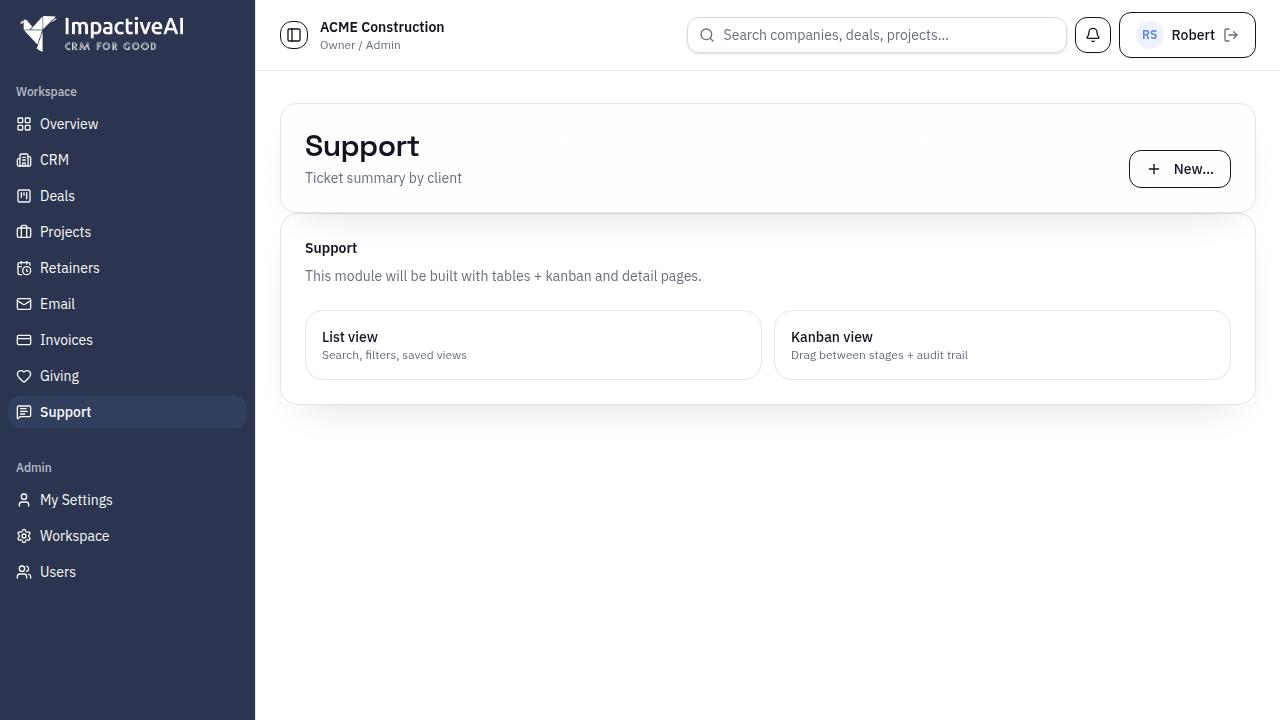
Support Hub screenshot

How it works

Get up and running in minutes, not days.

1

Create tickets

Log support requests manually or from incoming emails. Link to contacts and companies for full context.

2

Assign and prioritise

Assign tickets to team members, set priorities, and track status from open to resolved.

3

Resolve and learn

Close tickets with resolution notes. Build a history of client interactions that the whole team can reference.

Frequently asked questions

Client portal support is planned. Currently, tickets are created by your team from incoming requests.
Yes — Zendesk integration is on our roadmap for unified multi-channel support ticket management.
Yes — tickets link to contacts, companies, and deals for full context on every support interaction.

See how Support Hub fits your business

Explore solutions tailored to your industry or use case.

Support & Client Portal For Professional Services

Related features

Ready to try Support Hub?

Start free today — no credit card required. Set up in under 5 minutes.

Start Free View Pricing